
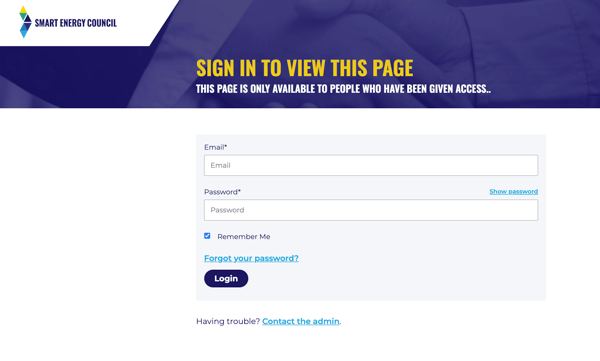
You can change your members portal password by using the Forgot your password? link on the login page.
This will only work if you have already setup a password to log in with.
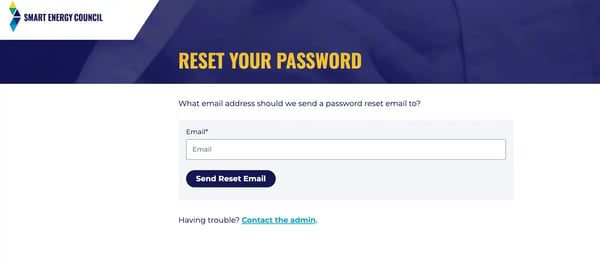
Type in your email address and click Send Reset Email
You should receive the reset link in your inbox within a few minutes.
If you have not already set a password for your login when you were invited to join the portal at sign up then you will need to reach out to our team on info@smartenergy.org.au in order to get the invitation to the portal resent.