
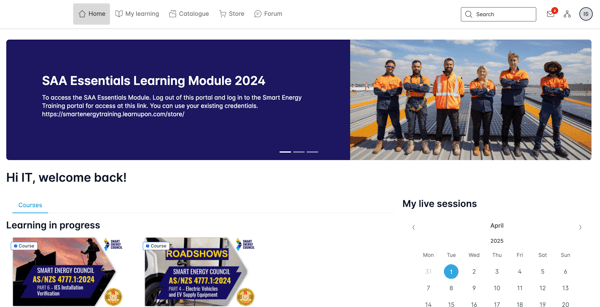
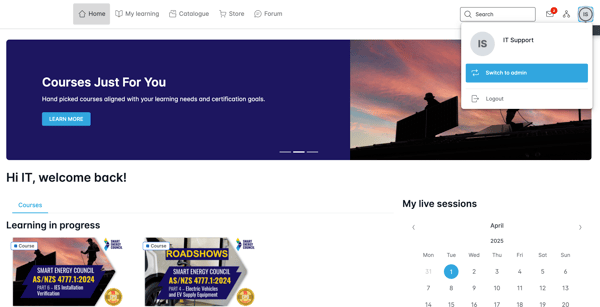
Once logged into the learning platform you can click the circle in the top right corner with your initials in it.
In the drop down menu click on your name and email address.
This will take you into the general profile section at the settings area.
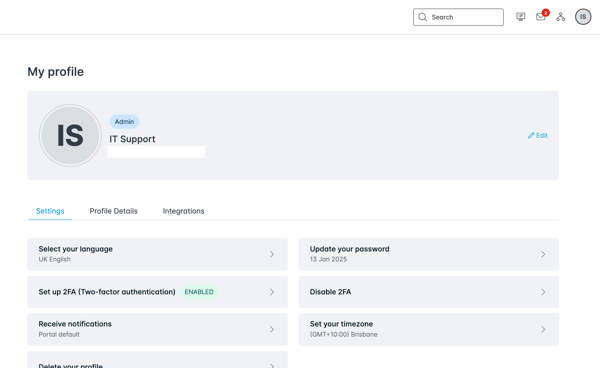
You can then select the profile Details tab to update the custom data we collect.
Make sure the click the save button on the page when you make any changes to ensure the change is permanent.