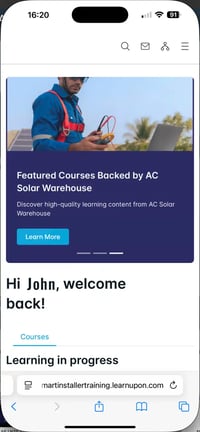
Once you have logged into the SECs Learning platform you will be on the Home page.
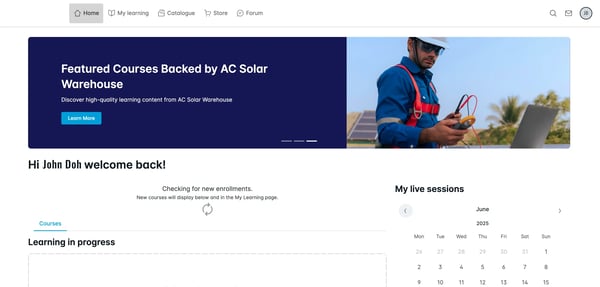
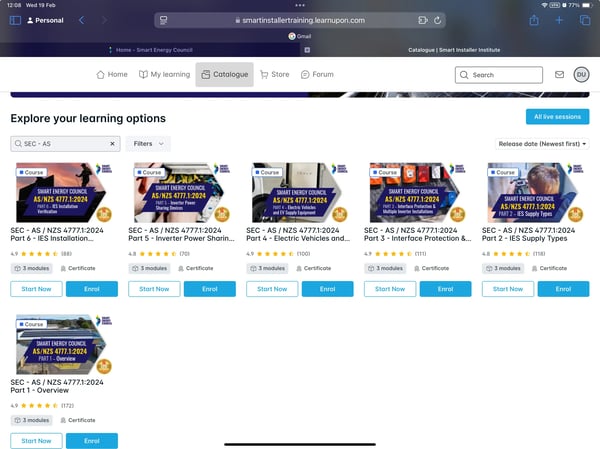
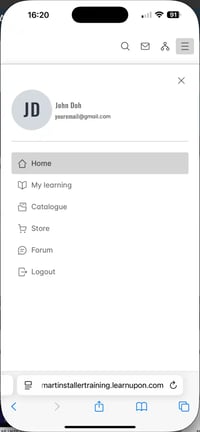
You can navigate to the Catalogue page by selecting catalogue from the main menu at the top of the page.
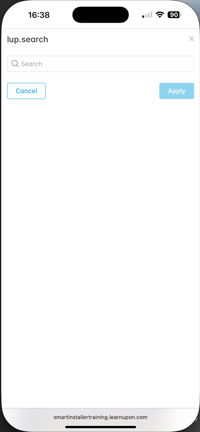
Use the search tools to search for the courses you want and click the course.